

Skip to content
Optima Accounting – Blog

Optima Accounting – Blog

Blogs and News On Accounting, Audit and Taxation

Create your website with blocks
Create your website with blocks
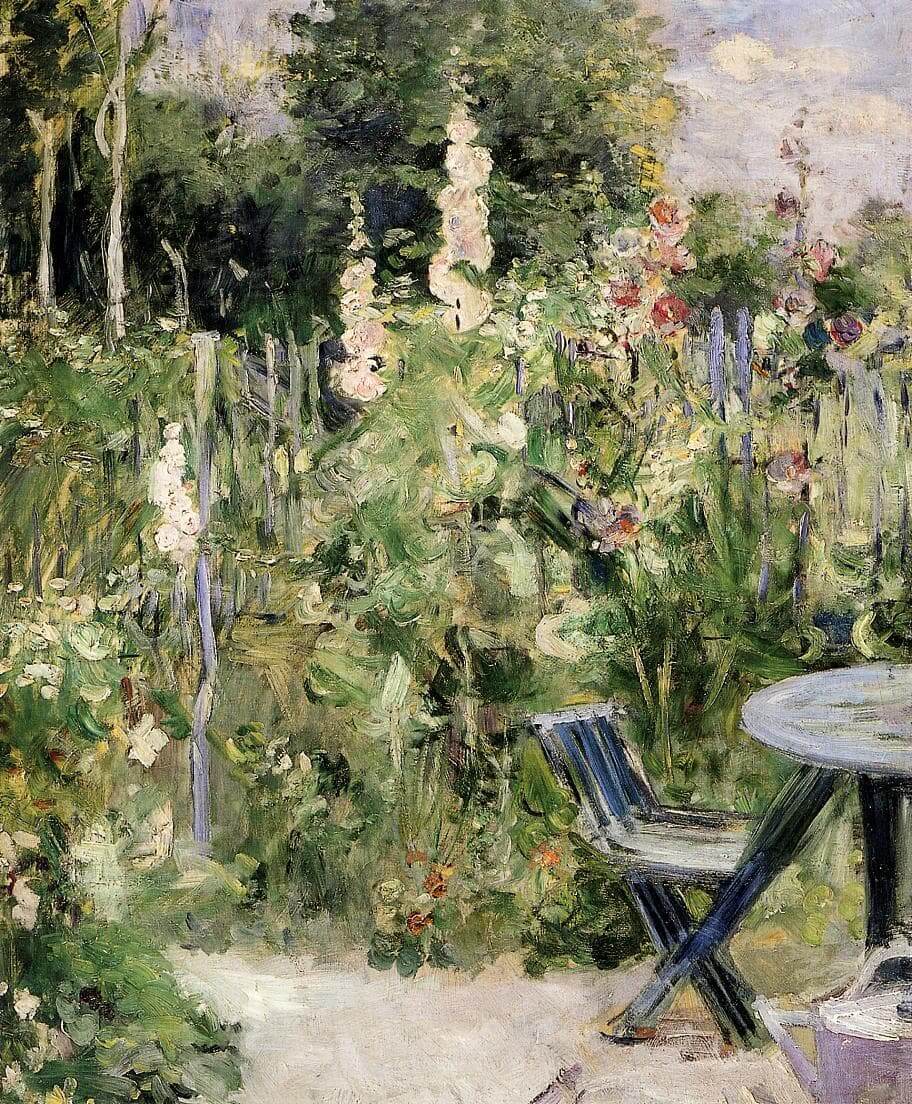
“Roses Trémières” by Berthe Morisot
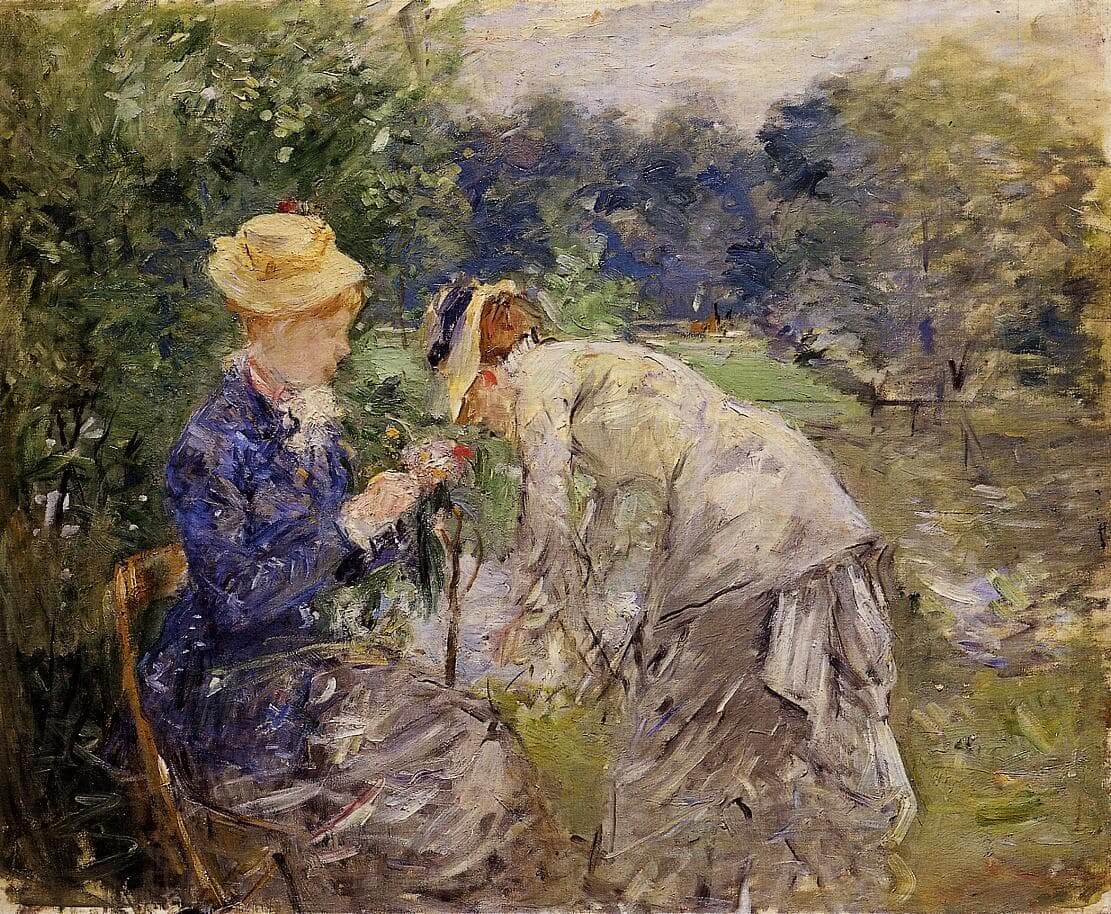
“In the Bois de Boulogne” by Berthe Morisot
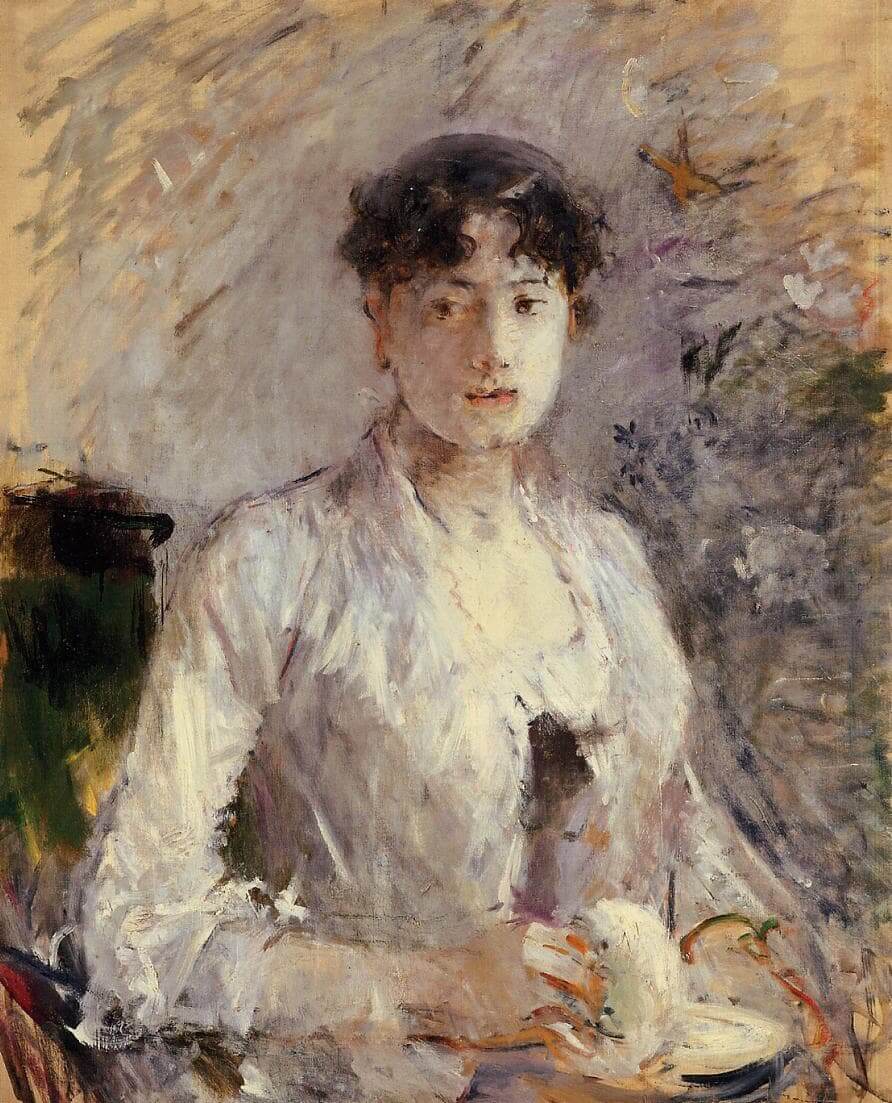
“Young Woman in Mauve” by Berthe Morisot

Add block patterns

Block patterns are pre-designed groups of blocks. To add one, select the Add Block button [+] in the toolbar at the top of the editor. Switch to the Patterns tab underneath the search bar, and choose a pattern.

Frame your images

Twenty Twenty-One includes stylish borders for your content. With an Image block selected, open the "Styles" panel within the Editor sidebar. Select the "Frame" block style to activate it.

Overlap columns

Twenty Twenty-One also includes an overlap style for column blocks. With a Columns block selected, open the "Styles" panel within the Editor sidebar. Choose the "Overlap" block style to try it out.

Need help?

Read the Theme Documentation

Check out the Support Forums

Quick Links

  • Facebook
  • Twitter
  • Instagram
  • Email
Log in
  • Accounting
  • Advisory & Consulting
  • Payroll Management
  • Tax
  • Facebook
  • Twitter
  • Telegram
  • 5 KPIs to grow your SME faster
  • Kenya VAT Obligation Registration Requirements
  • Installment Taxes in Kenya: What you need to know
  • Frequently Asked Tax Questions
  • How to change your KRA iTax Portal Log in details

Copyright © 2026 Optima Accounting – Blog.

Powered by Techmetic || +254722898480 PressBook Blog WordPress theme